
A place for every person
Create separate profiles for yourself, children, parents or people whose care you are authorised to manage. Keep each person’s documents and history together.
 GaitAI Care
One calm place for personal and family health records. Bring documents, medicines and everyday care into a history that stays with you.
Web app available · Android Early Access · Launched 13 October 2026
Health-record organisation. Medical decisions stay with your clinician.
LESS SEARCHING. MORE CONTEXT.
A prescription on your phone. A report in a drawer. A date you are trying to remember before an appointment. Looking after your health often starts with finding the pieces.
GaitAI Care brings those pieces into a personal record space. Individuals, parents and authorised family caregivers can organise information over time, return to the original source and prepare a clearer history to discuss with a clinician.
WHAT GAITAI CARE IS
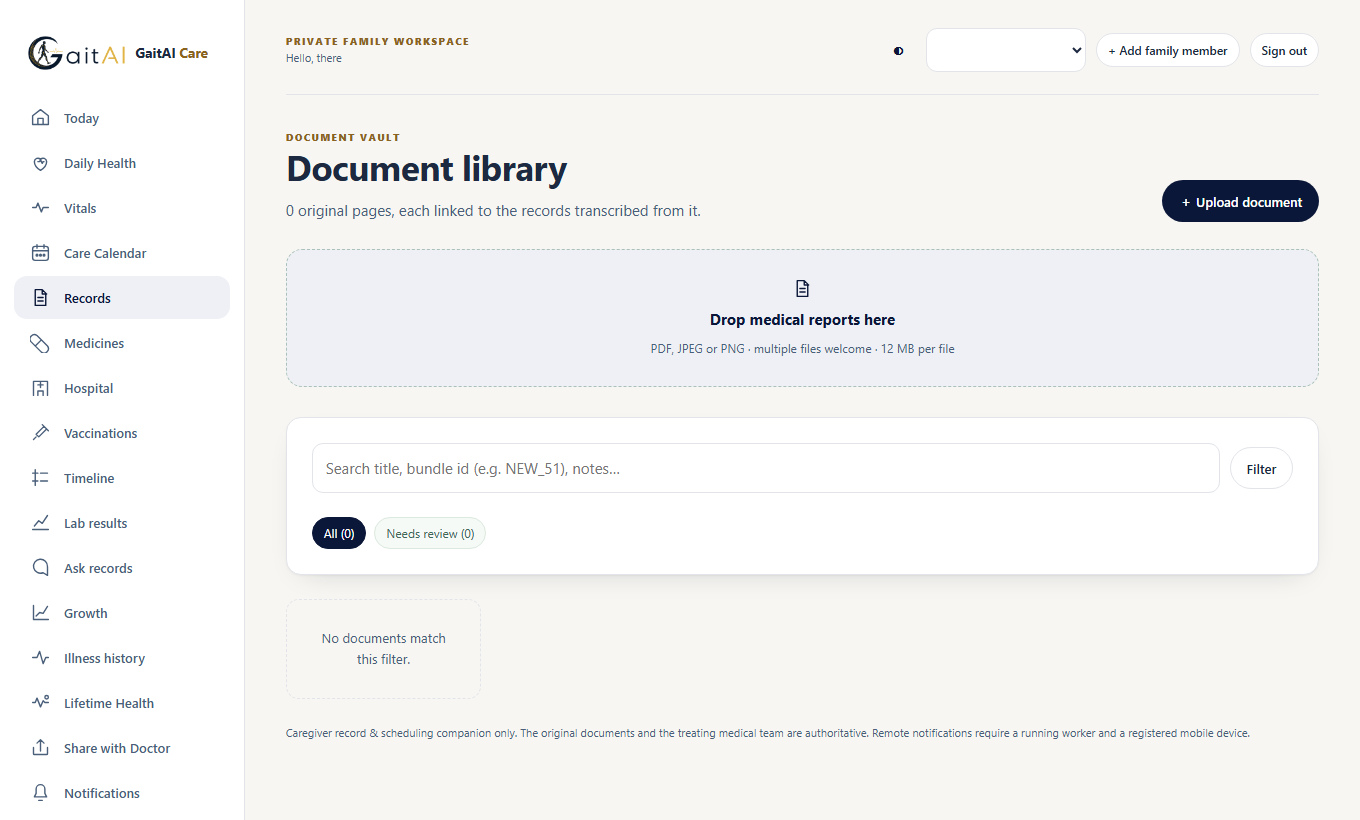
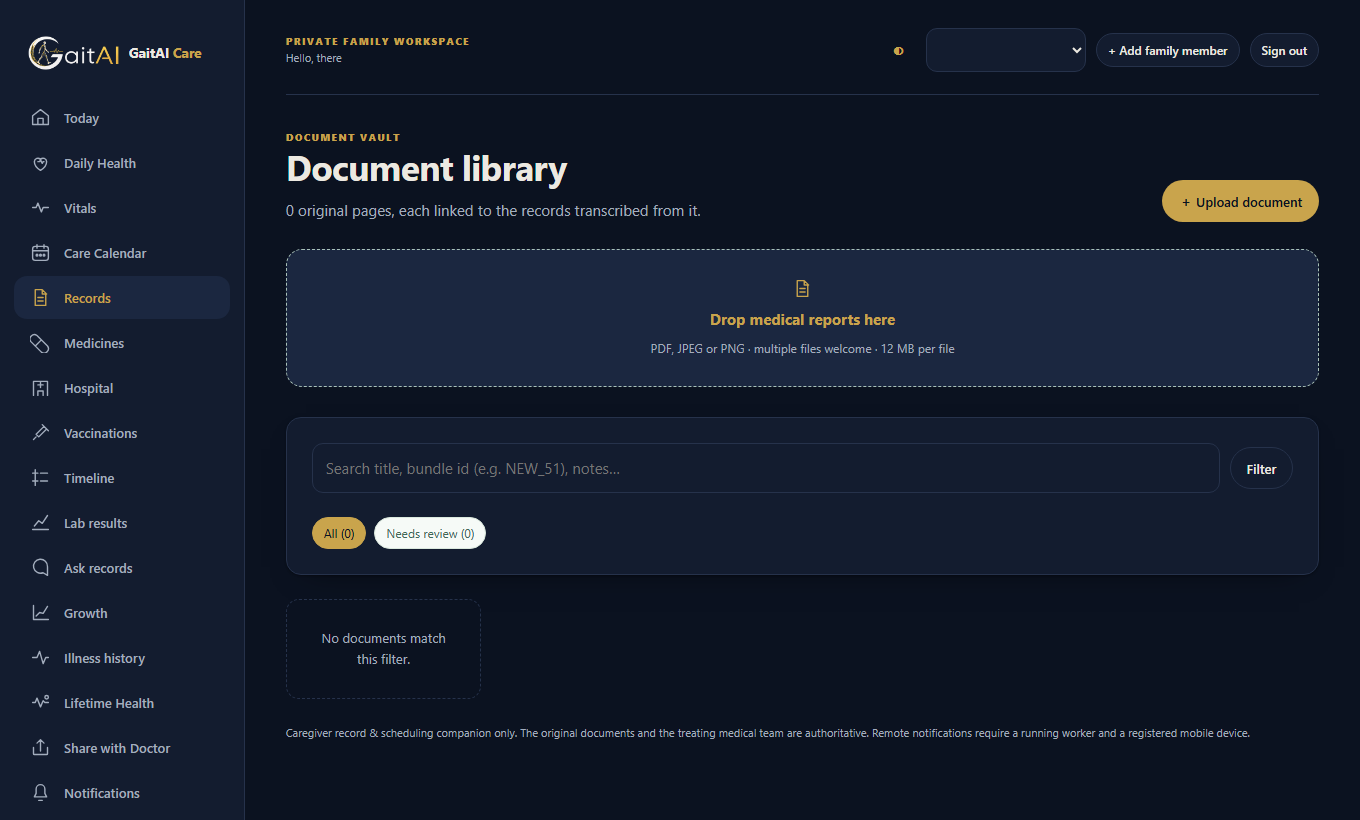
GaitAI Care is a personal health record app and medical history organiser for individuals and families. It keeps medical reports, prescriptions and vaccination cards as originals, with the extracted text beside them for you to check, and arranges them into a timeline of illnesses, treatments and appointments for each person you care for.
Use it as a medication tracker for prescribed courses, supplements and what was actually taken; as a vaccination record for doses, documented dates and confirmed upcoming appointments; and as a daily care log for the smaller details that are easy to lose between visits. The same account works in the web app and the Android app, and you can export your records and original files at any time.
It is not a diagnostic tool and does not perform gait analysis — that is MobilityCare, a separate GaitAI product for clinics. See all GaitAI products.
A RECORD THAT GROWS WITH YOU
One place to organise the information that is easy to lose between visits.
Create separate profiles for yourself, children, parents or people whose care you are authorised to manage. Keep each person’s documents and history together.
Upload medical reports, prescriptions and vaccination cards as PDF, JPEG or PNG. Review extracted text against the original before confirming a record.
Keep prescribed courses, supplements and actual-use records in context. Medication instructions remain drafts until you check them against the prescription.
Record doses, documented dates and confirmed upcoming appointments. Review imported details against the vaccination card or your provider’s advice.
Bring illness episodes, hospital visits and recorded treatments into a chronological history. A planned appointment stays distinct from a treatment actually received.
Keep daily health and care observations alongside the longer history, including hydration and age-appropriate care records. Record what happened, when it happened.
FROM PAPERWORK TO PERSPECTIVE
Extraction helps with organisation. Your review gives each record its context.
Choose the right profile and upload the original document. Add daily observations and dates as you go.
Compare extracted text and dates with the source. Correct unclear details; unverified text is not a medical fact.
Review timelines, generate summaries and export PDF reports for your own records or to discuss with your treating team.
PERSONAL INFORMATION. CONSIDERED CARE.
GaitAI Care uses HTTPS, password-based accounts and email verification. Access to records is checked on the server, with separate permissions for people you invite.
The product privacy notice is a pre-release draft. Separate product terms have not yet been published.
Uploaded originals, extracted text and clinical free text are encrypted by the application before storage. This is not end-to-end encryption.
Profiles belong to your account. Invite a caregiver with viewer or editor access, and revoke that access when needed.
Export your records and original files. Account deletion is available in Settings; copies already downloaded or shared remain outside the app’s control.
A clear role in your care. GaitAI Care organises information; it does not diagnose, prescribe or recommend treatment. Extractions and summaries can be incomplete or wrong. Check originals with your clinician and never use the app to decide a dose or delay care. No clinical validation is claimed.
A FEW USEFUL DETAILS
No. GaitAI Care is a standalone product for personal and family health-record management. MobilityCare focuses on movement intelligence and gait analysis. GaitAI Care does not perform gait analysis.
Yes. Create separate profiles for people whose health information you are authorised to manage, including children or parents. A child does not need a separate account.
Yes. They use the same account and service. Internet access is needed to access server records. The Android build is labelled Early Access while physical-device testing remains pending.
Read the product privacy notice, enter your email and password, and confirm your email address using the verification link. Records stay locked until verification. The hosting service may take a short while to wake up.
The Technical Documentation explains the web app, Android client, authentication, storage, extraction and release evidence.
YOUR NEXT CHAPTER
Start bringing your health history together.